
Finding leads
Adding leads from an AI assistant (MCP)
How an AI assistant connected over MCP can record a warm lead with the create_lead tool, and what it cannot do
1 min readUpdated 27 September 2026
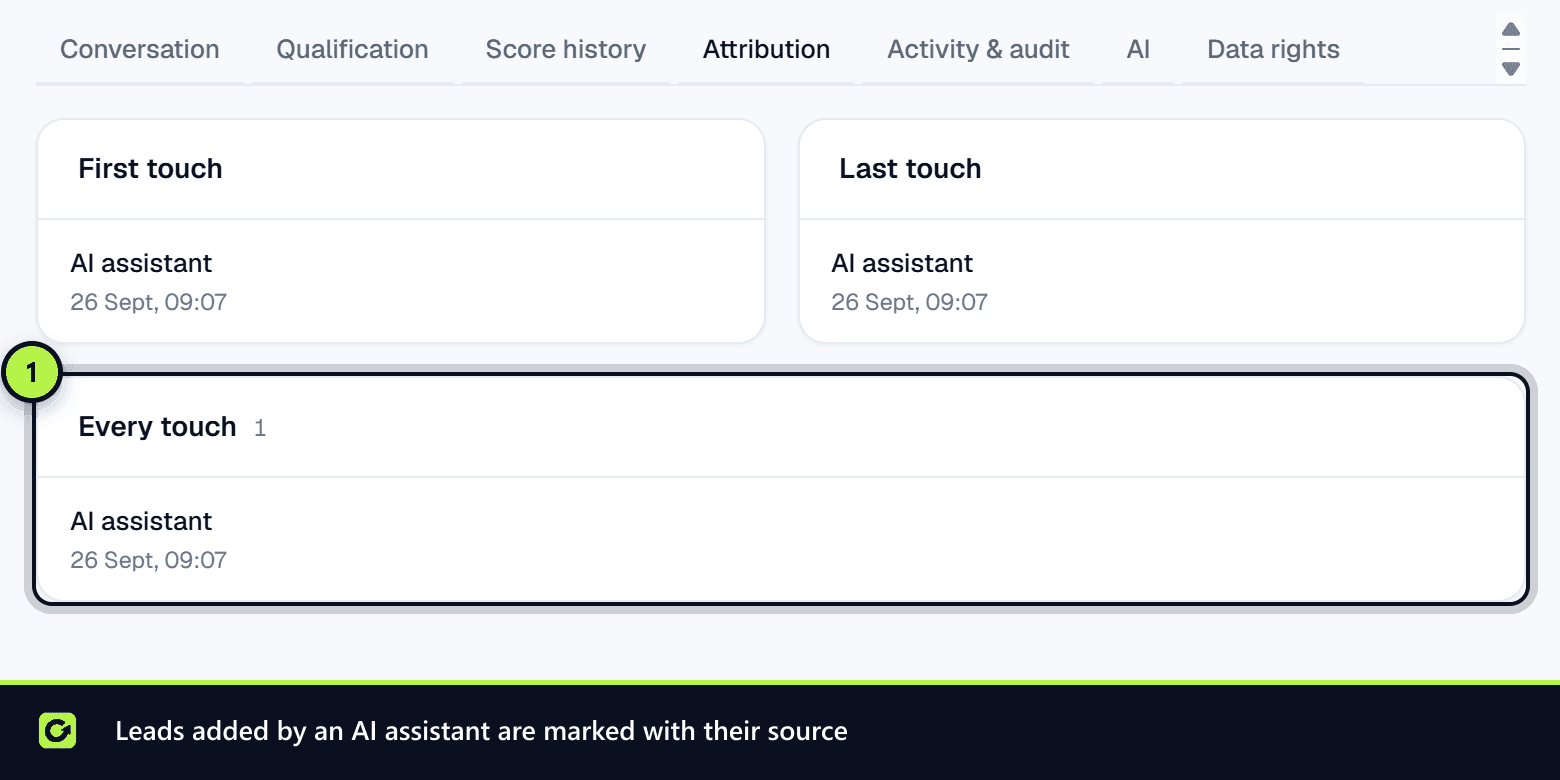
An AI assistant connected to your workspace over MCP (for example Claude) can add a lead for you: "Add Priya Shah from Example Studio, she emailed us asking for a quote." It uses the create_lead tool, which runs the same intake path as every other source.
To connect an assistant, see Connecting an AI assistant.
What the assistant needs
- A connection holding the
leads:writepermission. - The connection's owner must have a member role or above.
- A stated relationship:
THEY_CONTACTED_US,EXISTING_CUSTOMER,REFERRAL,REQUESTED_INFORMATION,EXPLICIT_MARKETING_CONSENTorEXISTING_BUSINESS_RELATIONSHIP. - An email address or a phone number.
What the tool refuses
- A contact the assistant found. Anything that is not a warm relationship is refused with an explanation: a person you found belongs in Find Leads as a prospect and is reviewed before contact.
- A referral without evidence. For
REFERRAL, the assistant must say who referred the person and when, in at least 20 characters. Without it the tool refuses and says what is missing. - A suppressed contact. If the address or number is on your suppression list, nothing is stored and the assistant is told it cannot be added.
- A duplicate. If a lead with the same email or phone already exists, nothing new is created and the existing lead's ID is returned. This makes a retried request safe.
Related
Screenshots
Still stuck?
Customers can raise a ticket from the help button inside the app. Not a customer yet? Talk to us.