
Finding leads
Finding and sourcing leads
A quick guide to the two ways ClientTurn finds new business, with links to the detailed articles
1 min readUpdated 26 September 2026
ClientTurn finds new business in two ways.
- Inbound: people who come to you through an ad form, your website, a call or a referral become leads and can enter follow-up straight away. See Lead sources explained.
- Outbound: companies you go looking for become prospects in Find Leads, and wait for review. See Discovering companies with Find Leads.
Start sourcing on a schedule
- Step 1: In Find Leads, build a search plan and start a sourcing run from it. Starting the run approves the plan.
- Step 2: Open Agents → New agent and choose Sourcing agent.
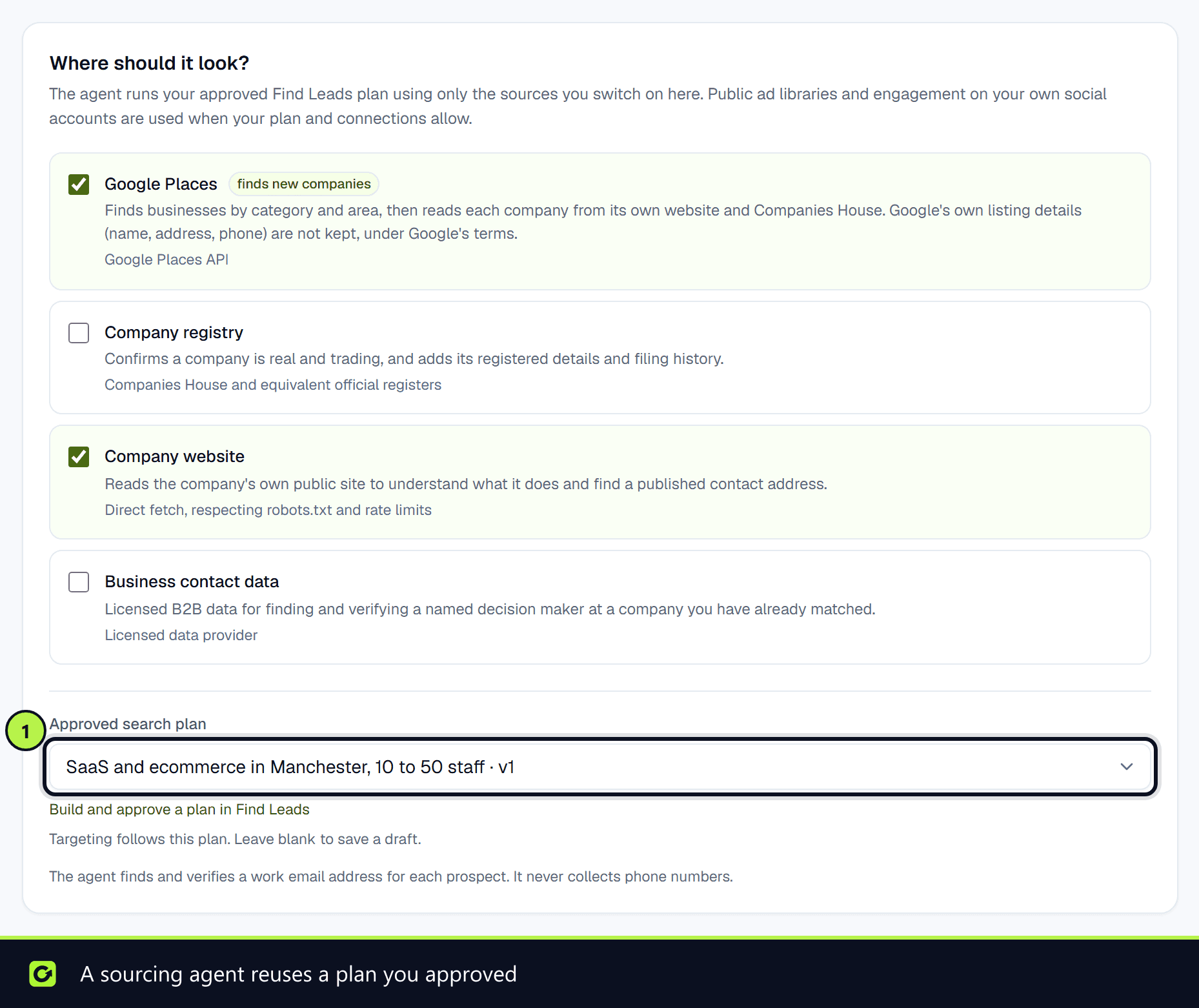
- Step 3: Under Approved search plan, choose that plan, and set the daily and monthly limits. The agent is saved as a draft.
- Step 4: Open it and choose Start agent when you are ready.
See Setting up an agent for every option.
Contact data is not permission
Review provenance, recipient type and channel eligibility before contacting anyone. Suppression and opt-outs always apply, and sourced prospects stay in Find Leads until you decide they are appropriate to move to Leads.
Related
Screenshots
Still stuck?
Customers can raise a ticket from the help button inside the app. Not a customer yet? Talk to us.